Leadership
How to organise ministry teams in one church
Give each ministry clear roles, leaders and a shared plan.
Last updated: 2026-07-11
Try Levites free · Get the app
The coordination ceiling
Around the 50–80 adult mark, most churches hit the same wall: everything works because three people know everything, and those three people are exhausted. Adding volunteers doesn’t help — every new person adds more messages to the same overloaded channels. The fix isn’t more effort. It’s structure: teams with edges, so information flows to the people who need it and past the people who don’t.
The structure that scales
One team per function, with edges
Worship, media, kids, welcome, prayer, refreshments — each a distinct team with its own members, its own conversation space, and its own rota. A team’s internal chatter should never reach people outside it; that noise is precisely what makes church-wide groups unreadable.
Two named leaders per team
One leader is a single point of failure. Two means holiday cover, shared pastoral load, and a succession plan you never have to improvise. Leaders own the team’s rota and are the escalation path for swaps and pastoral issues.
Three communication lines, clearly separated
- Church-wide announcements — the only channel that reaches everyone. Guard it jealously; if it becomes chatty, people stop reading it.
- Team channels — where each ministry actually talks: logistics, encouragement, training.
- Direct messages — for the one-to-ones, without circulating personal phone numbers.
One rota per team, one view per person
Each team schedules its own services and roles — but the volunteer who serves on both welcome and kids should see one combined list of their commitments. If people have to check two rotas, one will be missed.
Structure isn’t bureaucracy. Structure is what lets a volunteer belong to a team instead of belonging to the pastor’s to-do list.
The leader’s dashboard test
Whatever system you use, a ministry leader should be able to answer these four questions in under thirty seconds, from their phone, on a Tuesday:
- Who is on my team, and who leads alongside me?
- What’s our next service, and is every role covered?
- What are my own upcoming commitments?
- Has everyone seen this week’s announcement?
If any of those requires scrolling a group chat or opening a spreadsheet, your structure has a hole — and the hole is being filled by somebody’s unpaid attention.
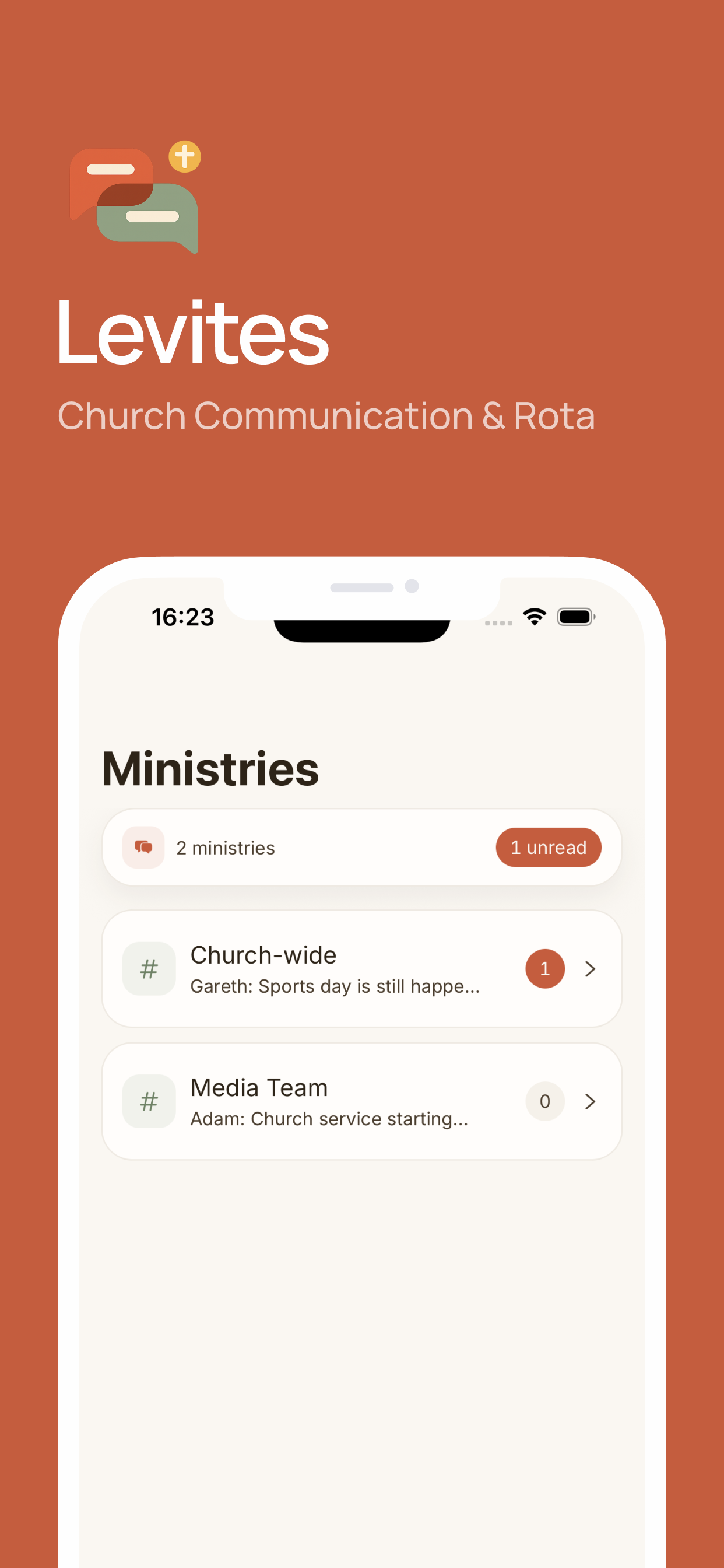
Building this structure in Levites
- Create one church workspace — the single home for everything.
- Add a ministry per team: worship, media, kids, welcome, prayer. Each gets its own channels automatically.
- Assign leaders to each ministry — they appear on the team dashboard with member counts.
- Build each team’s rota with named roles per service.
- Members see everything in one place: their ministries, their chats, and a combined My Assignments across every team they serve in — with automatic reminders.
- Growing beyond one site? Levites supports multi-site churches, so campuses stay connected under one network.
Frequently asked questions
How do you structure ministry teams in a church?
One team per function with two named leaders, its own communication space and its own rota — connected by a guarded church-wide announcement channel.
Why two leaders per team?
Cover, shared load, and succession. One leader is a single point of failure the whole team inherits.
Can one app manage all our ministries?
Yes — in Levites each ministry has its own channels, dashboard and rota inside one church workspace, and multi-team volunteers see all their assignments together.
Watch: Start with one church team · 25 sec
Name your team, share an invite link and assign the first Sunday roles. Animation with music; no speech.
Try your next Sunday rota in Levites.
Keep assignments, replies and team messages together.
Try Levites free. No card required.