Communication
Choosing a church communication app
What to look for in a church team communication app.
Last updated: 2026-07-11
Try Levites free · Get the app
Start with the failure you’re fixing
Before comparing features, name the actual breakdown. In most churches it’s one of these three:
- Announcements don’t land. The service time changed, half the team didn’t see it, and the half that did saw it between a meme and a prayer request.
- Teams talk in silos you can’t see. Five WhatsApp groups, two email chains, one Facebook group — and no one place a leader can say something to everyone.
- Logistics have no home. Who’s serving, who’s been asked, who confirmed — none of it lives anywhere a chat app can answer.
A good church communication app fixes all three with structure, not volume: fewer messages, better placed.
The checklist that actually matters
| Must-have | Why |
|---|---|
| Announcements separated from chat | If important messages share a stream with banter, they will lose. Every time. |
| Channels per ministry | The media team shouldn’t scroll past kids-ministry logistics. Structure is what keeps people reading. |
| DMs without exposing phone numbers | Volunteers — especially in youth and kids teams — shouldn’t trade personal numbers to serve. This is a safeguarding issue, not a nicety. |
| Church-wide reach | One announcement that genuinely reaches every ministry at once. |
| Scheduling built in | Most church messages are about who is doing what on Sunday. If the rota lives in a different tool, you’ve rebuilt the fragmentation you were escaping. |
| Volunteers actually open it | The best app is the one your sixty-year-old welcome-team stalwart and your sixteen-year-old camera operator both find obvious. |
Don’t choose the app with the most features. Choose the one that makes “did you see my message?” a question nobody needs to ask.
Why not just use Slack, Teams or Discord?
They’re fine tools built for a different world. Slack and Teams assume an office: work hours, laptops, no rotas, and pricing per “user” that stings for volunteer organisations. Discord’s culture and moderation model make many church leaders uneasy for all-ages teams. All three treat scheduling as someone else’s job — but scheduling is half of church communication. A church-specific app keeps the channel structure that makes these tools good, and adds the serving layer they’re missing.
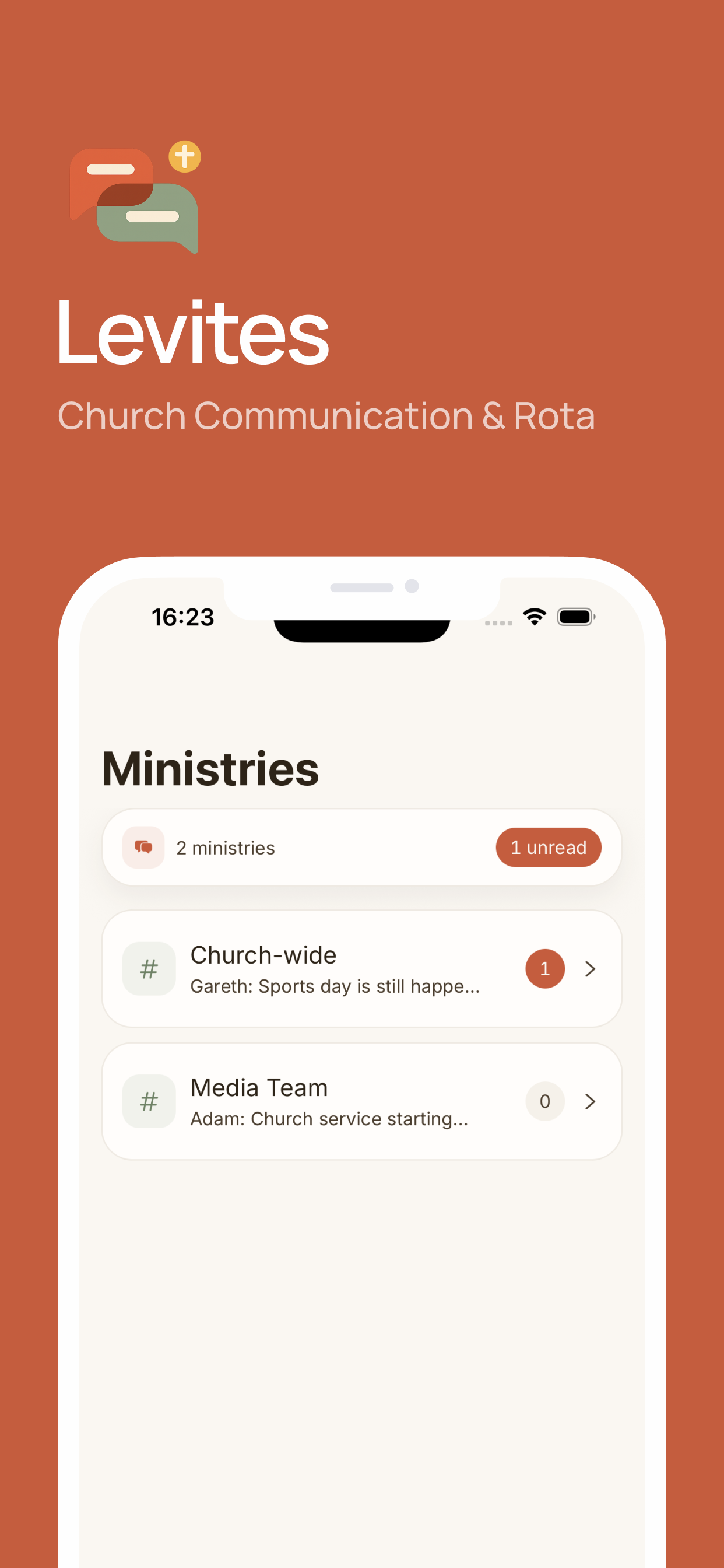
Setting up church communication in Levites
- Create your church workspace — one home for the whole church.
- Add a ministry per team (worship, media, kids, welcome, prayer), each with its own channels: General for chat, Announcements for the messages that matter.
- Use church-wide announcements for the things everyone must see — service changes, events, urgent needs.
- Let DMs handle the one-to-ones — no phone numbers exchanged.
- Keep the rota in the same app, so “who’s on Sunday?” is a tab, not a message.
Frequently asked questions
What is a church communication app?
One organised place for announcements, team chat and direct messages, structured by ministry — replacing scattered group chats and email chains.
What features should it have?
Announcements separate from chat, per-ministry channels, number-private DMs, trustworthy notifications, and scheduling built in.
Should a small church just use Slack or Teams?
They work, but they’re office tools: no rotas, corporate feel, message history limits on free tiers. Church-built apps add the serving layer that is most of what churches communicate about.
Try your next Sunday rota in Levites.
Keep assignments, replies and team messages together.
Try Levites free. No card required.